Ticketing built for venues.
A Venue Account is the full Ticket Cove organiser platform, plus the tools a venue uses for its own rooms and its own levy.
Venue Accounts are opened by invitation. There is no public venue signup.
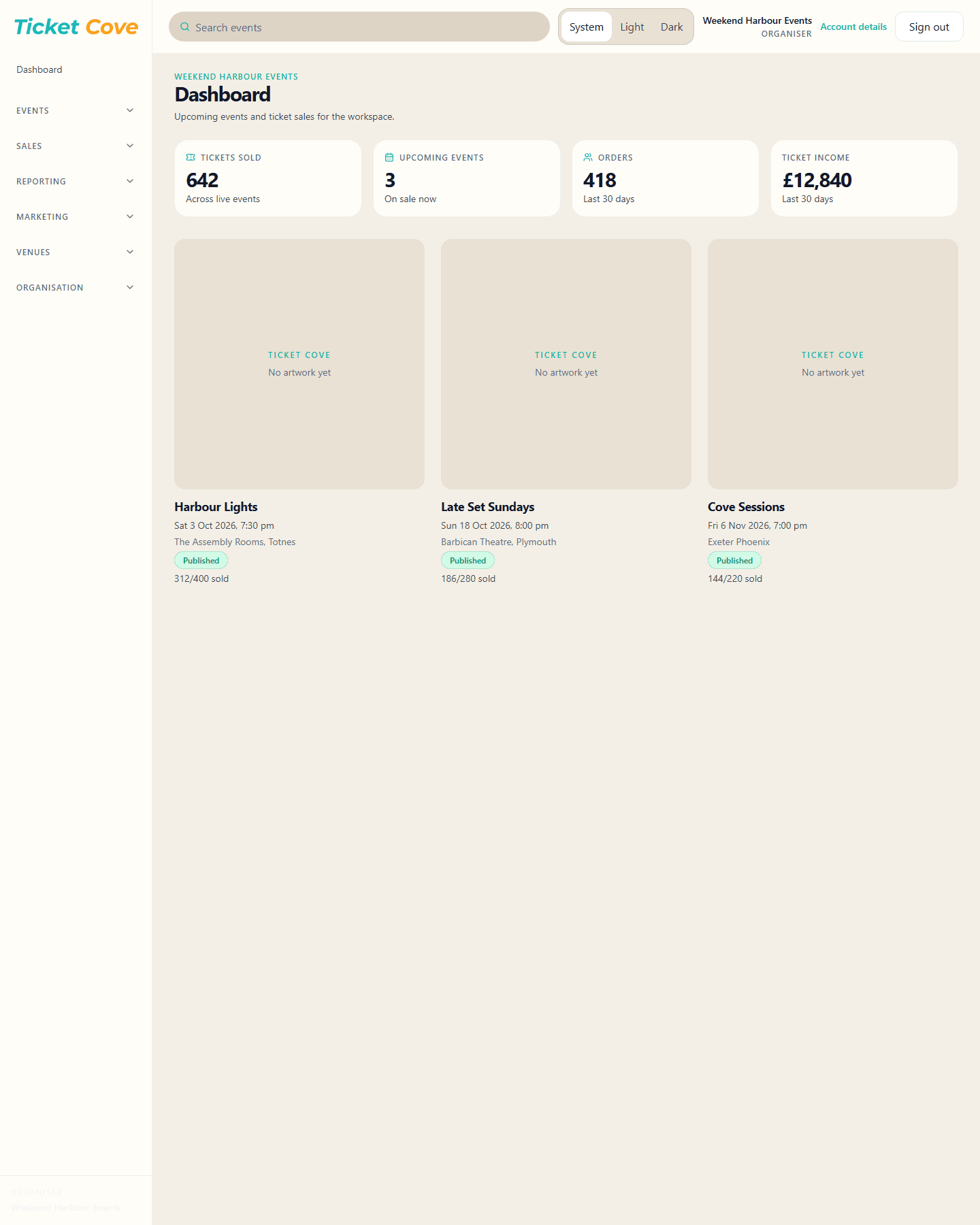
What a venue can show in the first meeting
Events and ticketing
Create events, ticket types, discounts and the customer page from the same workspace organisers use.
Reporting
See ticket income, refunds, Advance Sales and scheduled reports for the venue’s own events.
Team
Give box office, marketing and finance the access they need. Removing access does not delete their login.
Mailing list and marketing
Keep a mailing list, import contacts, and use Email Marketing where Ticket Cove has enabled it.
Spaces
Record the rooms you actually sell, such as an auditorium, studio or bar, with a capacity for each.
Included Venue Levy
Set the amount and the description. It is part of the advertised ticket price and is reported separately.
Build the venue levy into the advertised ticket price.
The venue chooses the amount and a controlled description, such as Venue Restoration Levy. Customers see that amount inside the ticket price before they pay. It is not added as a surprise at checkout.
Sales reports can show the levy separately from the rest of the ticket. The levy stays inside the venue’s Ticket Cove account. Ticket Cove does not pay it out to a separate venue account.
Same platform promoters use
Event setup, the customer page, orders, refunds, team access, links and QR codes, and financials are the organiser tools. Spaces, venue profiles and the included levy are the venue tools on top.
